Find Jobs That Fit You
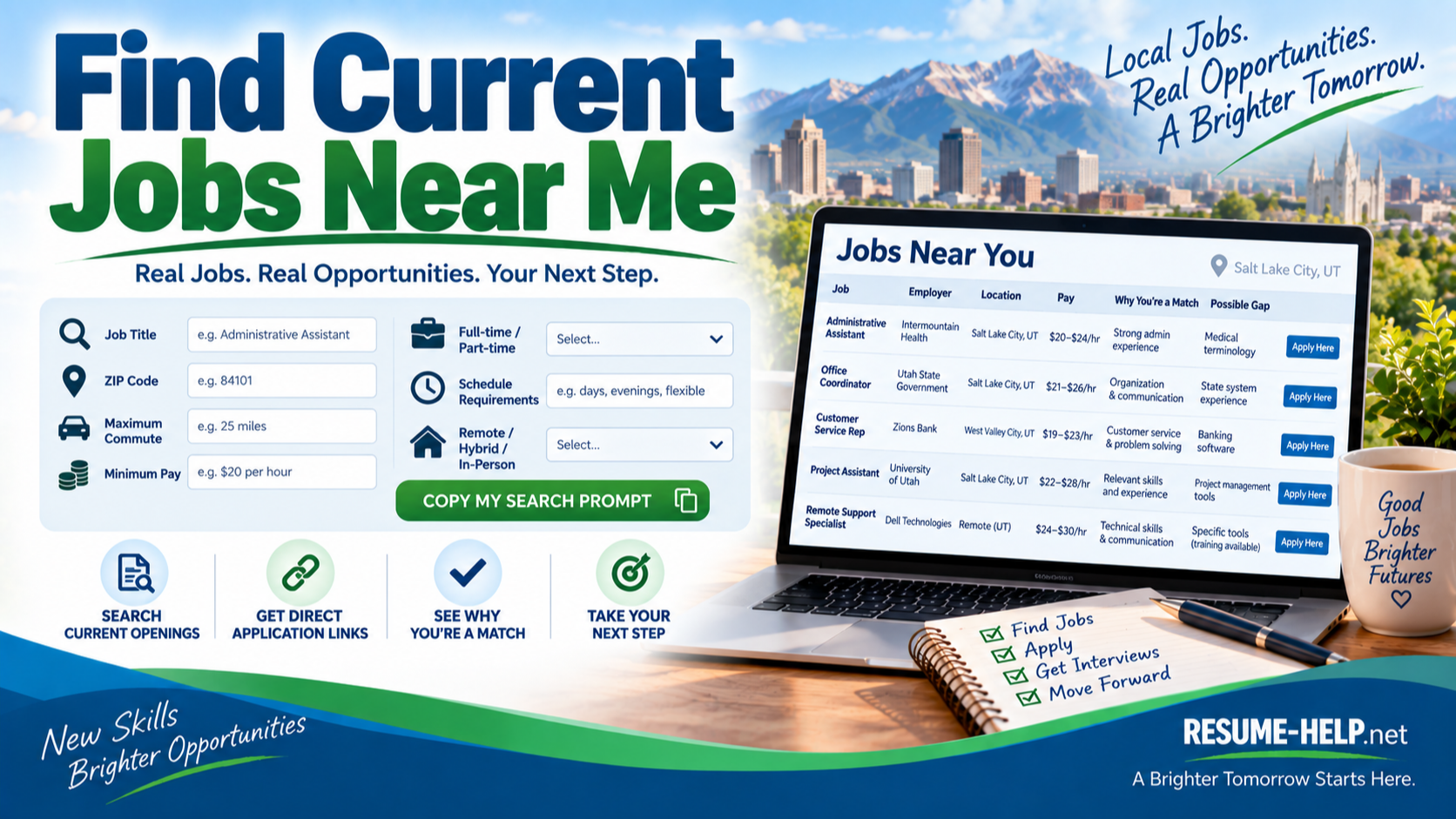
Let AI search for current job openings that match your experience, location, pay needs, schedule, and the kind of work you want.
Click the button below and paste the prompt into your favorite AI chat. It will ask you a few questions one at a time, then search for current opportunities that fit.
Have your résumé ready. For privacy, you’ll be asked to paste it without your name or personal contact information.
Before You Send Your Résumé...
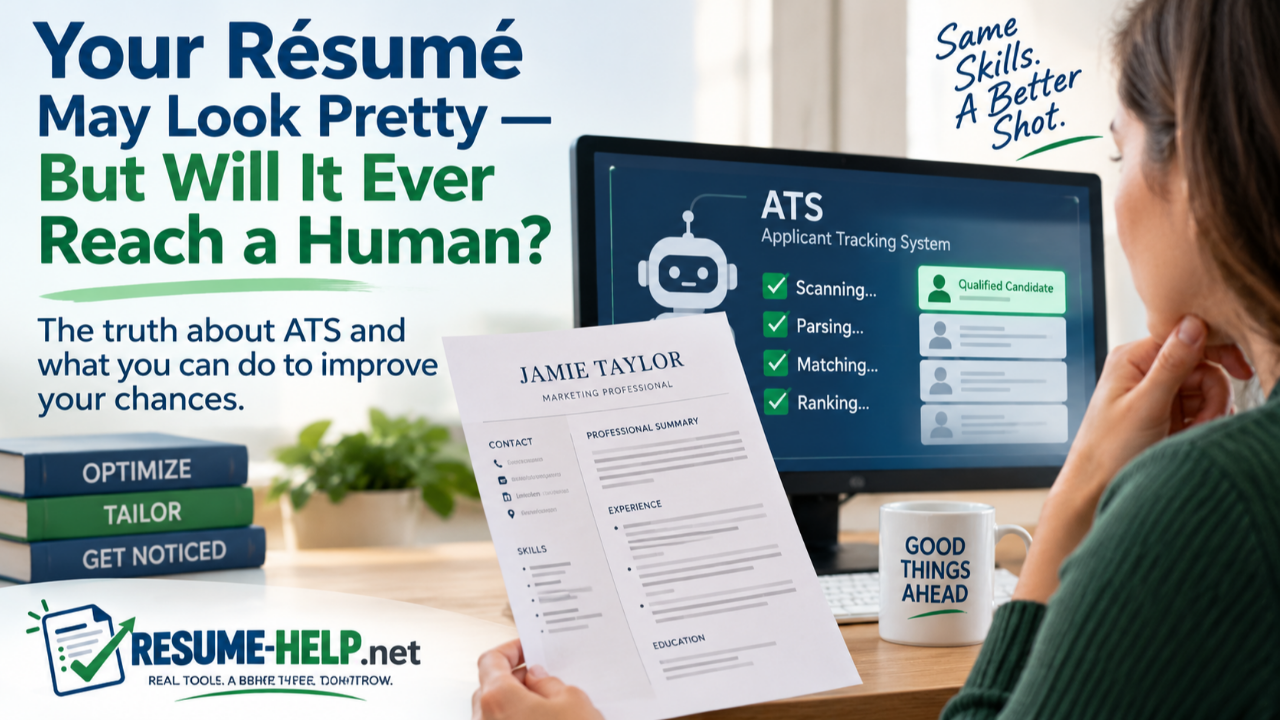
Your résumé may look perfect to you—but can hiring software read it?
Before you start applying, run your finished DOCX or PDF through an ATS résumé parser. Look at the text it extracts. Make sure your name, contact information, section headings, job titles, employers, dates, skills, and bullet points appear clearly and in the correct order.
For extra confidence, try more than one:
- ATS Resume Checker — Free ATS Resume Parser — Shows the text and fields extracted from your résumé. No signup required; its site says parsing happens in your browser.
- Revquix — Free ATS Resume Checker — Shows the extracted text in reading order and flags potential layout problems. No account required.
- Resume Worded — Free Resume Scanner — Provides a free ATS scan plus additional résumé feedback.
Don't worry if the tools don't give identical scores or warnings. Different checkers use different methods. The most important thing to verify is simple: Did all of your important résumé information come through, and did it come through in the right order?
WANT TO SEARCH ON YOUR OWN, TOO?
Job Search Websites
Explore job boards, government employment sites, specialized career sites, remote-work resources, staffing agencies and more.
VIEW JOB SEARCH WEBSITES →Find Job Fairs Near You
Find upcoming career fairs, hiring events and recruiting opportunities near you.
Job Search Help & Career Advice
Practical guidance for finding work, getting hired, building your career, and navigating today’s changing job market.